
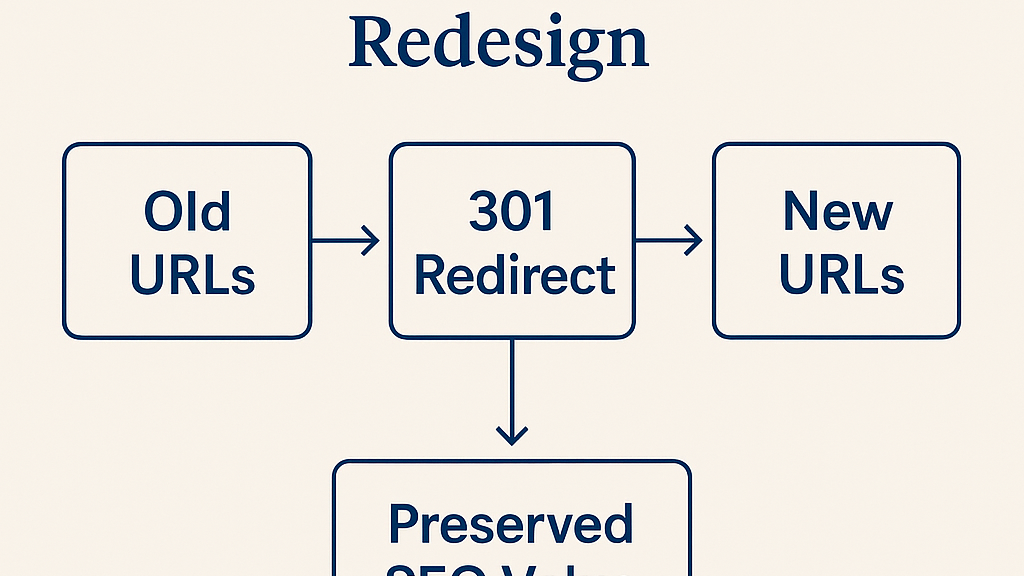
When a company invests in a new website, the focus is usually on visuals, layout, and user experience. But there’s a technical detail that often gets overlooked… and it can quietly destroy years of marketing work overnight.
That detail is properly setting up 301 redirects when your URL structure changes.
Why This Matters So Much
When your old website has been live for months or years, every page has likely earned some level of trust and authority from search engines. This comes from:
- Backlinks from other websites
- Social media shares
- Bookmarks and links in emails
- Organic search rankings built over time
If you launch a new site with new URLs but don’t redirect the old ones, all that value is lost. Instead of smoothly guiding visitors and search engines to the correct content, the old URLs will return 404 errors “Page Not Found.”
What a 404 Error Means (and Why It Hurts)
A 404 error tells both users and search engines that the page no longer exists.
For users, it’s frustrating… they expected content and instead got an error. Many will leave your site and never return, resulting in a lost lead, customer, or opportunity.
For search engines, it’s a dead end. They remove that page from their results over time, and all the ranking signals it built are discarded.
The result? Traffic drops, SEO rankings disappear, and the investment you made in building your site’s visibility is essentially wasted.
What is a 301 Redirect?
A 301 redirect is a permanent redirection from one URL to another. It serves two critical purposes:
- Preserves SEO Value: It passes most (if not all) of the old page’s authority to the new page.
- Provides A Good User Experience: Anyone visiting the old URL will be automatically sent to the new one, often so fast they don’t notice.
How to Identify Which Pages Need Redirects
Before launching your new site:
- Export your existing URLs
- Map old URLs to their new equivalents
- Create a spreadsheet with two columns: Old URL | New URL
Check for broken pages after launch with Google Search Console. Under Indexing > Pages > Look for “Not Found (404)”. This report will show you the old URLs people (or Google) are still trying to access.
The Coverage and Page Indexing reports will help you prioritize the most important o